

A photo album for the two of you.
Keep date-night and everyday photos in a space for the two of you.
O-Uni is coming soon.

Create a space together
Choose a name you both recognise and send your partner the invite code. Use a separate space for photos you want to share with family or friends.
Anyone you invite later can see earlier photos. Keep the code between the two of you if that is how you want to use the album.
Add photos and a few words
Choose what to keep.
Start with pictures you both like from a date or trip. Ask before adding a photo your partner may not want shared.
Check the space.
If you also use a family space, check which one you have selected before sharing.
Leave a note.
“The late dinner after we missed the train” says more than a place name. You can leave the location out.
Keep anniversary photos and everyday moments
Add a note about the place or story behind an anniversary picture. Later, choose that month in the gallery or open a relevant record.
Partners or spouses can keep a space for two and a separate one for family pictures. Short videos can go in the same space, but check who will see them and which space you selected before posting.
Keep the everyday photos, too
A dog you met on a walk or a meal you cooked together can be enough for one photo. Add a note about what happened so you can remember it together later.
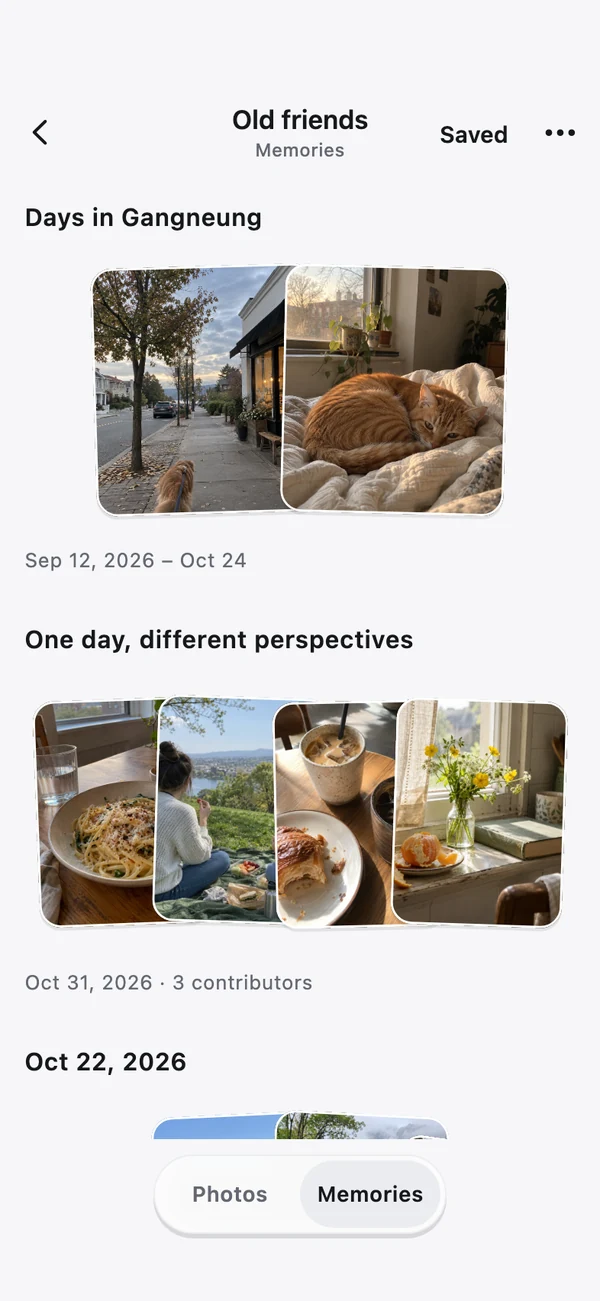
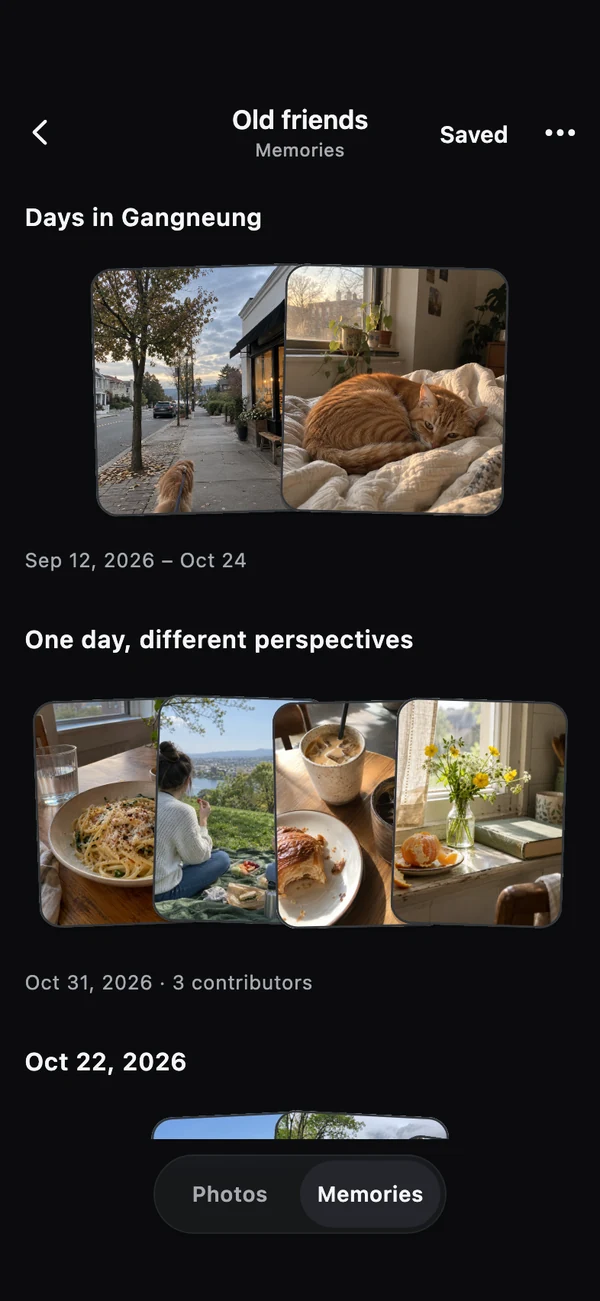
Memories are suggested when shared photos meet the selection conditions, such as a day together, photos from different members on the same day, a place visited on several days or the same date in a previous year. You can also find photos by capture month in the gallery.
If you stop sharing the space
Leaving a space or removing a member ends that member’s access in the app. It does not delete copies saved elsewhere.
To delete your whole account, open Account → Delete account. Leaving a space and deleting an account are separate actions.
How to use O-UniCheck space and storage limits
Free allows one owned space, six members including the owner, and 1GB across all spaces you own. Joining someone else’s space does not use your owned-space allowance. Plus and Pro purchases are not available yet.
How to use O-UniCommon questions
Do we need special couple accounts?
Use a regular O-Uni space with just the two of you as members.
Do we both need to post every day?
No. Add photos whenever you want to.
Can we share some pictures with family separately?
Create a family space and add those photos there. Each space can have different members.
Does it back up both phones?
No. You each choose which photos to share. Keep the originals you want on your device or in a separate backup.