

Keep family photos in one album.
Bring each family member’s everyday and gathering photos into one album.
O-Uni is coming soon.

Who is the album for?
Decide whether to include your household, grandparents or the wider family. Each O-Uni space can have its own members.
New members can see earlier photos. Check the album before inviting another relative.
Start the family album
If grandparents prefer a browser, try opening a test album link on their own device. Check whether they need an account to view it. If they want to add photos, check what permission they need and try uploading one photo.
For now, relatives join an O-Uni space in the app. At launch, we’ll confirm which devices we support and whether relatives can view the album in a browser.
Pick a name everyone knows.
Use something like “Our family” or “Grandma’s birthday” so relatives can find it easily.
Send the invite code.
Let each person know who else is joining the space.
Try one photo first.
If a relative is new to the app, help them enter the code and find the first shared photo.
Say what the photo is from.
A note such as “Grandad’s birthday lunch” helps someone who could not attend.
Share everyday pictures with parents who live far away
When choosing a family photo album app, try the invitation and first photo with your parents. Sit together for the first attempt, or go through it one step at a time on a call if you live apart.
A short description helps relatives understand a picture when they were not there. Alongside birthdays and family reunions, share an ordinary walk or dinner if you want to. There is no requirement to post every day.
Share baby photos and milestones with grandparents
To share baby photos privately with family, decide who should see them first. In O-Uni, members of an invited space can see its photos. Check both the destination space and the selected pictures when choosing what to share with grandparents and what to keep between parents.
A baby milestone album can start with a few pictures you want to remember. Here is one way to choose and describe them without posting every day.
Choose a few moments from the month
Try a first roll, a first pair of shoes or a weekend walk. Pick a few pictures from similar shots, then look back through the monthly gallery together.
Add what the photo cannot explain
Write a caption such as “Six months old, first walk with Grandma.” Add the age and context yourself; the app does not work them out automatically.
Agree on where photos can be shared
You might ask, “Please keep these in the family album and check with us before posting them elsewhere.” Look for name tags, addresses and documents in the picture, and leave out locations you do not need to share. Keep important originals separately.
After a birthday gathering
One person can add the group photo and another the cake. Putting each person’s pictures in the same space lets relatives who missed the gathering see the day.
Later, choose the month the birthday photos were taken. The sharing date is used only when the capture date is missing. Relevant photos may also appear in suggested memories when they meet the selection conditions.
When you choose pictures from several phones, look for the person taking most of the photos and anyone who arrived late.
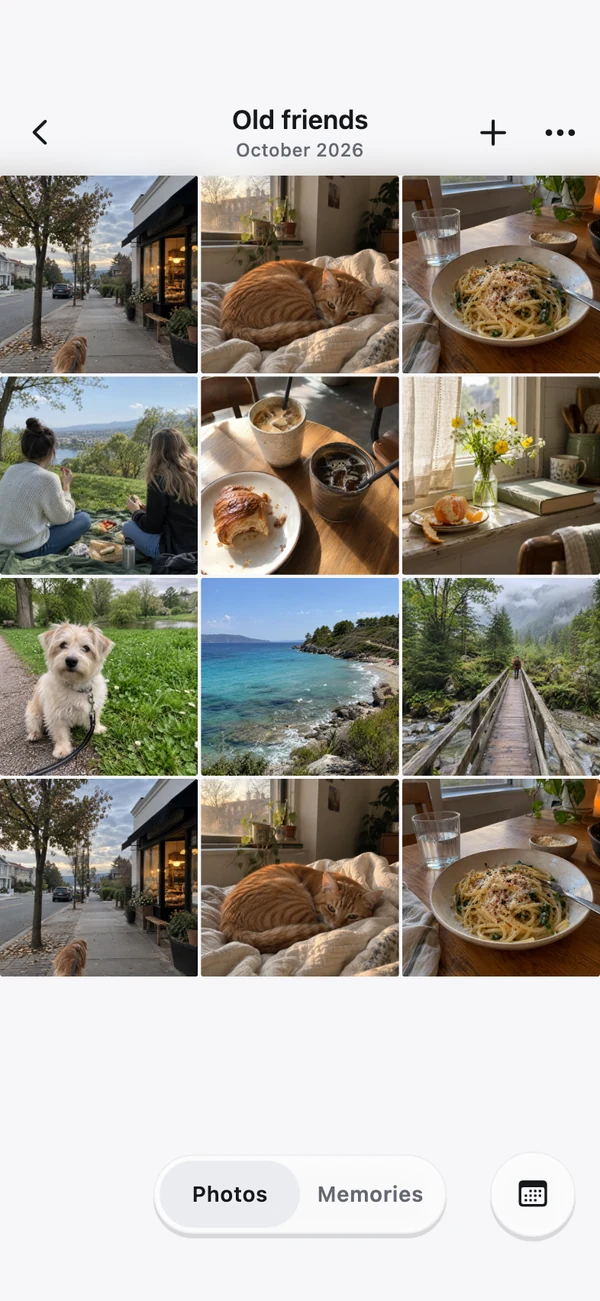
Sharing pictures of children and relatives
- Check whether the people pictured want the photo shared.
- Look for school names, home addresses, documents or other personal details in the background.
- Leave out the location if you do not want to identify a home or school.
- Members can save copies. Decide who should see the photos before sharing them.
Check space and storage limits
Free allows one owned space, six members including the owner, and 1GB across all spaces you own. Joining someone else’s space does not use your owned-space allowance. Plus and Pro purchases are not available yet.
How to use O-UniCommon questions
Can grandparents view the album without the app?
For now, relatives join an O-Uni space in the app. At launch, we’ll confirm which devices we support and whether relatives can view the album in a browser.
Compare browser options for viewing and adding photosAre all the photos on a relative’s phone uploaded?
No. Each person chooses what to share. Photos from family chats are not imported automatically.
Can we remove a member from the family space?
Yes. Their access to the space ends in the app. Copies they have saved cannot be recalled.
Do we have to live together?
No. Relatives can join the same space with an invite code, wherever they live.
How can I share baby photos with family privately?
Choose the relatives to invite and check the members of the space before uploading. New O-Uni members can also see earlier photos. Review the album together before inviting someone else, and agree that removing access cannot recall copies already saved.
What captions help record a child's milestones?
Add a short note with the month, age and occasion, such as “October, six months old, first walk with Grandma.” This gives relatives who were not there some context. Leave out health records, addresses and other details they do not need.