

Collect trip photos from your friends.
Choose an album everyone can add to, then test sharing one photo before the trip.
O-Uni is coming soon.

Choose a sharing method everyone can use
Everyone on the trip needs a way to view and add pictures. If you need a service today, compare its joining requirements first.
On a narrow screen, scroll the table horizontally to read every column.
| What you need | What to check | A quick test |
|---|---|---|
| Send a few photos once | Whether your existing group chat is enough | Send one photo and check the quality of the saved copy. |
| Keep adding pictures from several people | Whether everyone can upload to the same album from their device | Have two people add a photo each and find one another’s pictures. |
| Share only with invited people | Who can join if a link or code is forwarded | Check the member list and keep invitations out of public posts. |
Before you leave
Create a space for the trip and invite the people going with you. A name such as “Kyoto weekend · October” is easy to recognise later.
Keep planning in your usual group chat. Agree that everyone will also add the pictures they want to keep to the shared album.
How to collect the photos
Invite the group.
Send the space’s invite code to your travel companions.
Check the first photo.
Add one photo and confirm that everyone can see it in the same space.
Add your pictures.
Select photos and videos together by album or date in the app library. Use the unshared filter, swipe to select or choose Select all, then review the order, notes and capture dates. Photo quality and whether saved locations are included follow My → Sharing. The former 30-photo limit no longer applies; storage and per-file limits still do.
Review the note and location.
Locations already saved with photos are included by default. You can turn this off in My → Sharing. Selecting library photos does not fetch your current location, and photos without location data can still be shared.
Ask for any missing shots.
After the trip, ask for a particular moment: “Who has the group photo from the lookout?”
Collect the missing photos after the trip
Ask for a specific scene instead of “send me your photos.” For example: “We’re missing the group photo at the lookout and dinner on the last night. Could whoever took those add them to the trip album?”
- Check whether each person has added a photo. Ask anyone whose pictures are still missing.
- If a photo does not appear, ask the person who added it to check the upload status and selected space.
- Keep the originals you want to preserve. Seeing a picture in a shared album does not confirm that its original file has been backed up.
Find photos after the trip
Choose the month of the trip in the gallery to find photos by capture date. If there is a record for that period, open it to revisit the photos and notes.
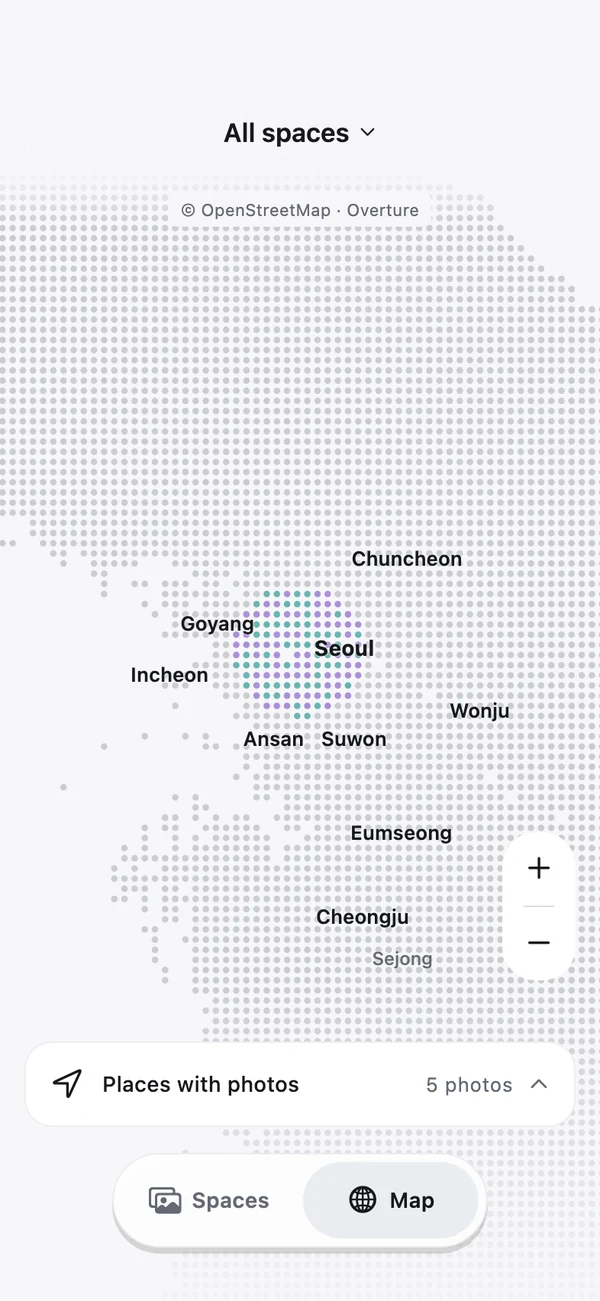
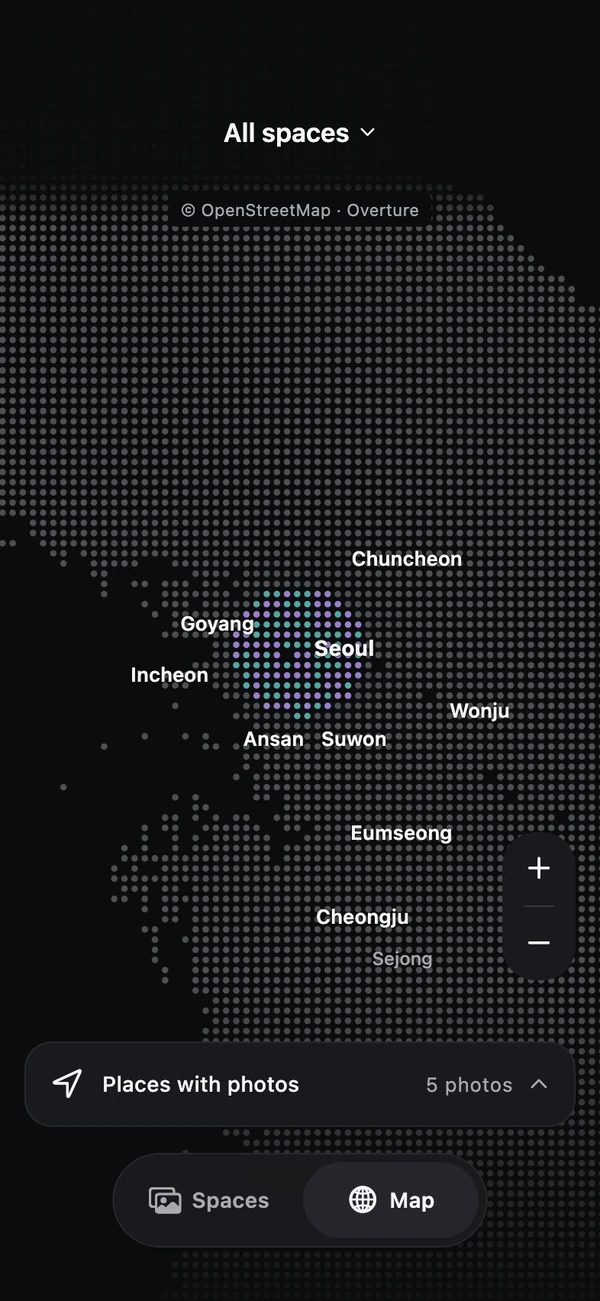
If you remember the place but not the date, try the photo map. Choose a space or city to find photos shared with a location.
Before you share
Leave out the location if you do not want to share where a home or accommodation is. Check for addresses or documents visible in the picture, too.
People invited later can see earlier photos. Removing someone ends their access in the app but cannot remove copies they have already saved.
Choose photo quality in My → Sharing. Standard uses a long edge of up to 2048px and High up to 4096px; smaller photos are not enlarged. Changes apply to selections that have not been submitted. Videos and already submitted transfers are unchanged. Previously shared files are not upgraded or restored to their original form. Keep important originals separately. Photo thumbnails and video previews also count toward the space owner’s storage.
Does a shared photo reveal where it was taken?Check space and storage limits
Free allows one owned space, six members including the owner, and 1GB across all spaces you own. Joining someone else’s space does not use your owned-space allowance. Plus and Pro purchases are not available yet.
How to use O-UniCommon questions
Are photos from our group chat imported automatically?
No. Each person selects the photos to add. O-Uni does not import your chat or entire camera roll.
Where can I see photos without a location?
In the space’s gallery and Memories.
Can I see where my friends are right now?
No. The map shows where shared photos were taken.
Can we use it now?
O-Uni has not launched yet. Download links will appear on the home page when it is released.