

Does a shared photo reveal where it was taken?
Check a photo’s saved location, sharing settings and whether the received file still contains that location.
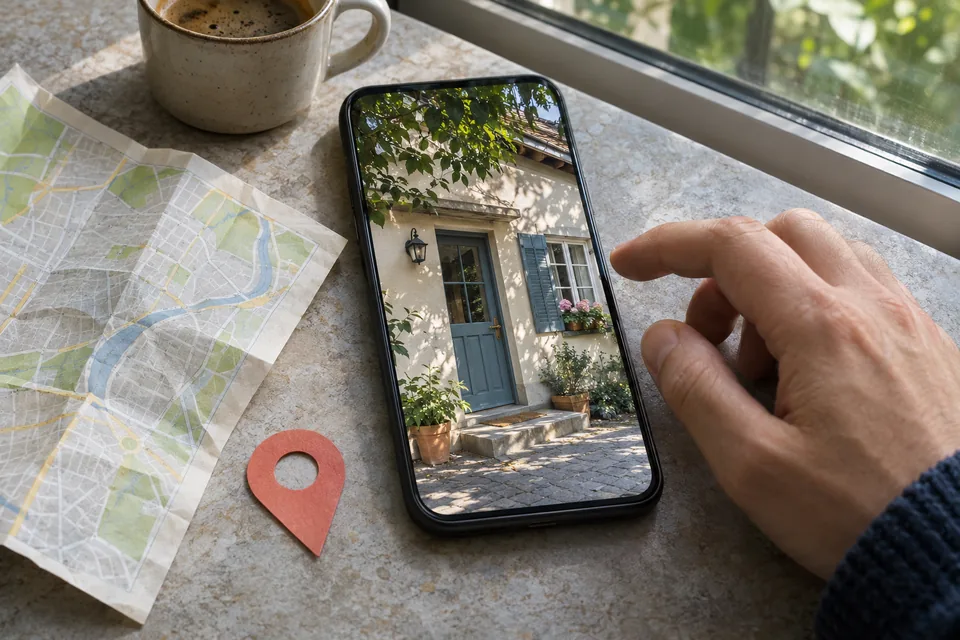
Separate the file from the sharing screen
A photo file may contain its capture location. A photo service can also display or estimate a place separately. A location disappearing from an album screen does not establish that it has been removed from the original file.
Decide how you will send the photos first. An album link and a downloaded file attached in another app involve different checks. If you change the route, check the location settings again.
Google Photos on Android: check the shared album
Google’s Android instructions let you control Share photo locations for each shared album. Open the album from Collections, then use Share → Options to check the setting.
Google Photos can change or remove locations you added yourself or that it estimated, but it cannot remove a location recorded by the camera. Its location edits and sharing controls do not change the original stored location when you download a file and send it outside Google Photos, such as by email.
Check one copy before sending the batch
Prepare one copy using the method you actually intend to use. If the recipient will download a file, inspect that file’s information for a remaining location. This helps separate a hidden album label from the contents of the delivered copy.
For example, before sending six photos from home, prepare and check one in the same way. A different device or transfer method can produce a different result. Treat that check as evidence for that route, rather than every way you might share the photo.
Zoom in on the background, too
A door number, delivery label, street sign or familiar building can still appear in the image after a location tag is left out. Enlarge the background of photos from a home or accommodation. Ask the people in the frame whether they are comfortable with it being shared.
If a scene reveals more than you want, choose another photo or prepare a copy with the relevant detail covered. Keeping the original separately leaves you free to use it differently later.

Check O-Uni’s settings and recipients before sharing
O-Uni is preparing to launch. Locations saved with photos are included by default; you can change this in My → Sharing. Before sharing, also check the destination space and its members.
The location choice does not review addresses visible in the picture or written in your note. Changing membership cannot recall copies someone has already saved, so make those checks before sharing.
Collect trip photos from your friends.Four things to check before sending
If the labels or menus differ, use the official guides above to select your device and version. A short, repeatable check is easier to use the next time you send photos.
- Are you sending an album link or the files themselves?
- Have you checked the location setting for that route?
- Do the image, its background, documents or your note reveal something you meant to leave out?
- Are these the intended recipients, and are you comfortable with saved copies remaining?